Thermal Camera vs Inspection Camera: Which One Should You Buy?
Thermal cameras show heat patterns and temperatures on a surface, while inspection cameras show a visible probe view inside pipes, ducts and engine bays.

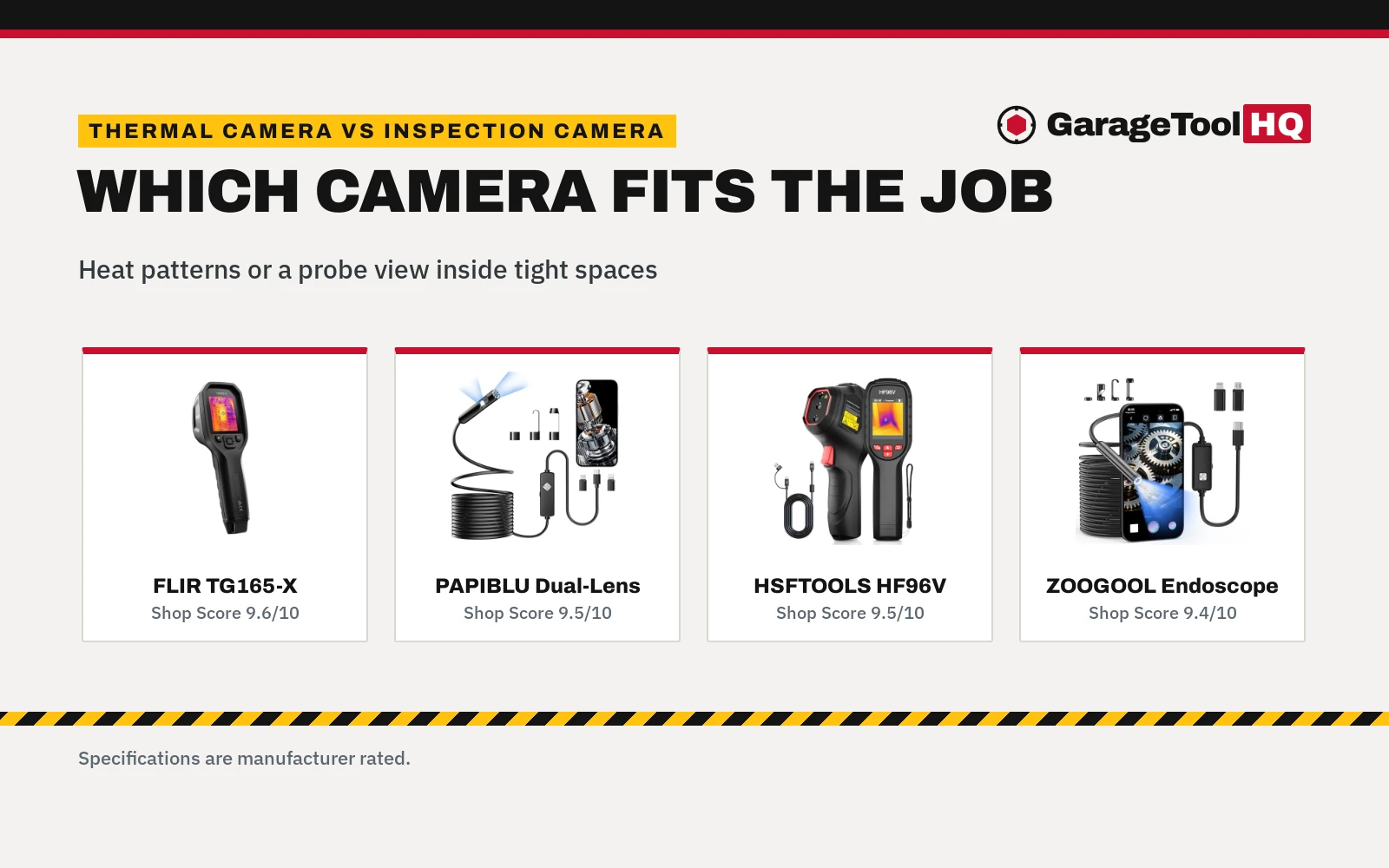
On this page
Top picks at a glance
As an Amazon Associate I earn from qualifying purchases.
- 1
 Thermal Master P1 Thermal Camera for Any USB-C iPhone &9.7/10View on Amazon
- 2
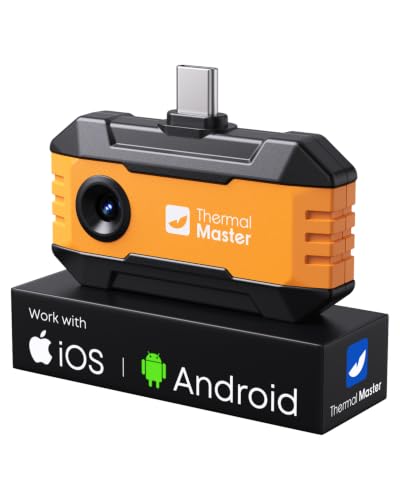 Thermal Master P1 Thermal Camera for USB-C iPhone Android9.7/10View on Amazon
- 3
 Thermal Master Thor002 Thermal Camera9.6/10View on Amazon
- 4
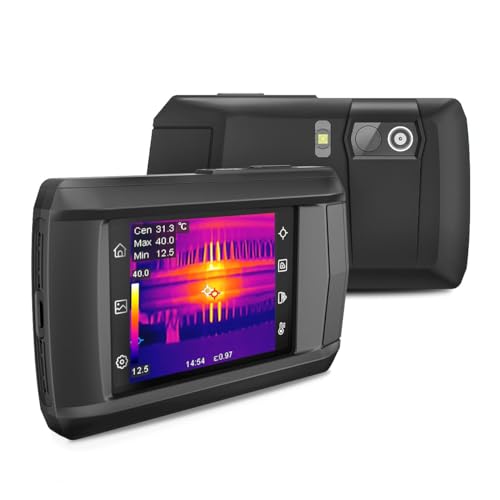 HP96 Thermal Imaging CameraView on Amazon
- 5
 HSFTOOLS P2W WiFi Thermal CameraView on Amazon
- 6
 AccuMEMS GT14S Thermal Imaging CameraView on Amazon
- 7
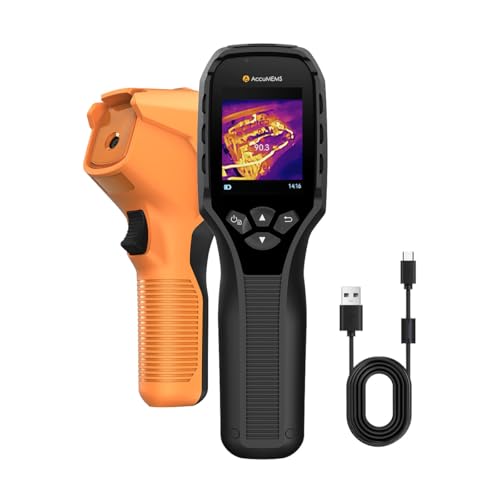 GT14S Thermal Imaging Camera with Edge EnhancementView on Amazon
- 8
 Flagfront Thermal CameraView on Amazon
- 9
 Thermal Master P1 Thermal Camera for USB-C iOS/AndroidView on Amazon
Verdict: Choose a thermal camera for a warm or cold spot, a damp pattern, or a hot electrical connection. Choose an inspection camera for a view inside a pipe, a duct, or an engine bay.
A damp patch spreads across a garage wall, and a faint rattle comes from behind a dashboard vent. The wall and the vent both hide the fault, and pulling trim or pipework apart just to look is slow work. This comparison covers thermal camera vs inspection camera: a heat view for surface patterns, and a probe view for hidden spaces.
GarageToolHQ earns a commission when you buy through links on this page, at no extra cost to you. Read our affiliate disclosure.

Flir TG165-X Thermal Imaging Camera with Bullseye
A thermal camera with 80x60 IR, a -25°C to 300°C range, MSX visual detail, a laser pointer and a spot thermometer, in an IP54 enclosure.
Pros
- 80x60 IR with MSX visual detail for a sharper heat picture
- Wide range from -25°C to 300°C, listed as -13°F to 572°F
- Laser pointer marks the size of the measurement area
- 2 Years parts and labor coverage, plus 10 Years coverage on the detector
Cons
- 80x60 IR figure, with a higher super resolution figure on the other thermal example
- 572°F upper figure, below the higher upper figure on the other thermal example
- No battery runtime stated
- No storage capacity stated

Endoscope with Light, 1920P HD Borescope with 8
An inspection camera with 1920x1440 visible images, 8 adjustable LED lights and a 16.4ft semi-rigid cable, with a dual lens wiring harness.
Pros
- 1920x1440 images, sharper than the standard 1080P figure in the listing
- Dual lens wiring harness for multi-angle observation
- 8 adjustable LED lights for dark or damp spaces
- Type-C, Micro USB and Lightning connectors in the package
Cons
- Needs a smartphone and an app download to view footage
- No battery capacity stated
- Support window is limited to 1-Year
- 16.4ft cable sets the reach limit for the probe
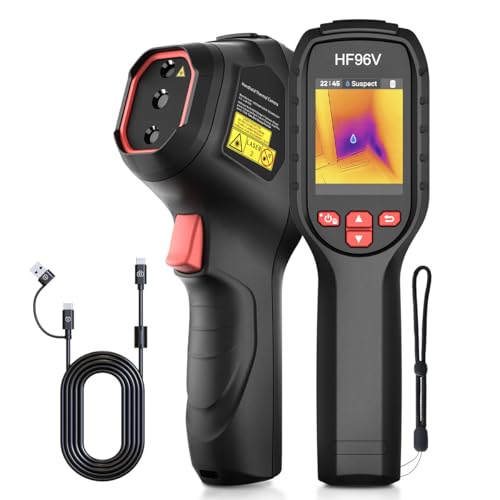
HF96V Thermal Camera with Visual Camera & Laser
A thermal camera with 240x240 super resolution, a -4°F to 1022°F range, 25 Hz refresh, a 50° field of view and an IP54 enclosure.
Pros
- 240x240 super resolution from a 96x96 base, with 25 Hz refresh
- Wide -4°F to 1022°F range with ±3.6°F accuracy
- Up to 11 hours of continuous operation on the built-in battery
- 4 GB storage for over 30,000+ images and 14 hours of videos
Cons
- No warranty term stated
- Visible camera is 640x480, below the inspection image figures
- Scene detection needs a firmware download from the maker site and a setting change
- 1.32 pounds, heavier than the other thermal example

Endoscope Camera with Light
An inspection camera with 1920x1440 images, an 8.5mm IP67 probe, 8 adjustable LED lights and a 16.4ft semi-rigid cable.
Pros
- 1920x1440 images from an 8.5mm probe for pipes, engines and walls
- IP67 probe for wet, dark and hard-to-reach spaces
- 16.4ft semi-rigid cable holds its shape around corners
- Magnet, hook, side-view mirror and adapters in the package
Cons
- Single lens only, unlike the dual lens inspection example
- Needs a phone and an app to view live images
- No battery capacity stated
- 1 Year warranty term, shorter than the longest warranty term among the examples
Other tools worth a look
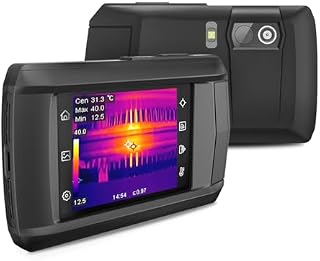 HP96 Thermal Imaging CameraCheck price on Amazon
 HSFTOOLS P2W WiFi Thermal CameraCheck price on Amazon
 AccuMEMS GT14S Thermal Imaging CameraCheck price on Amazon
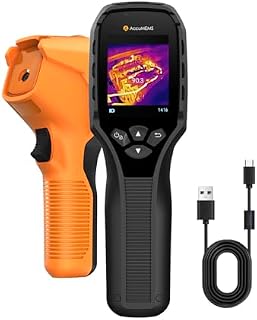 GT14S Thermal Imaging Camera with Edge EnhancementCheck price on Amazon
 Flagfront Thermal CameraCheck price on Amazon
 Thermal Master P1 Thermal Camera for USB-C iOS/AndroidCheck price on Amazon
Side by side
| Thermal camera | Inspection camera | Listing examples | |
|---|---|---|---|
| What it shows | Heat patterns and surface temperatures | Visible images inside pipes, ducts and engine bays | MSX detail on the FLIR example; 1920×1440 on the inspection examples |
| Temperature measurement | -25°C to 300°C on the FLIR example; -4°F to 1022°F on the HSFTOOLS example | Not stated on the inspection examples | Each thermal example states a range |
| Reach into tight spaces | Handheld aim at a surface | 16.4ft semi-rigid cable with a probe | 8.5mm probe on the ZOOGOOL example |
| Detail figure | 80×60 IR on the FLIR example; 240×240 super resolution on the HSFTOOLS example | 1920×1440 on the inspection examples | Figures describe the named example only |
| Protection code | IP54 enclosure on the thermal examples | IP67 waterproof rating on the inspection examples | Codes describe the named side examples |
| Power and storage | Built-in battery up to 11 hours on the HSFTOOLS example; no runtime stated on the FLIR example | Viewed on a phone through Type-C, Micro USB or Lightning adapters | 4 GB storage on the HSFTOOLS example |
| Warranty term | 2 Years parts and labor plus 10 Years detector on the FLIR example; no term stated on the HSFTOOLS example | 1 Year on the inspection examples | Terms describe the named example only |
Example figures are manufacturer rated, as published on each listing and collected 4 November 2026.
Thermal camera vs inspection camera: what each side shows
A thermal camera shows heat as a picture, so a warm or cold area stands out against its surroundings. The FLIR example lists 80×60 IR with MSX visual detail. The HSFTOOLS example lists 240×240 super resolution from a 96×96 base. An inspection camera shows a visible picture from a probe at the end of a cable. The PAPIBLU example lists 1920×1440 images with 8 adjustable LED lights. The ZOOGOOL example lists 1920×1440 images from an 8.5mm probe with 8 adjustable LED lights.
The thermal examples state temperature ranges, so the picture carries a measurement as well as a pattern. The inspection examples state visible images, with no temperature measurement stated.
Temperature range and detail
The FLIR example lists a range from -25°C to 300°C, given in the listing as -13°F to 572°F. The FLIR example lists a laser pointer that indicates the size of the measurement area. The HSFTOOLS example lists a range from -4°F to 1022°F with ±3.6°F accuracy. The HSFTOOLS example lists 25 Hz refresh with a 50° field of view. The HSFTOOLS example lists 7 color palettes and 3 image modes, covering Fusion, Thermal and Visual views.
For temperature work, the inspection listings leave the question unclear, since no temperature figure is stated for the inspection examples.
Reach, power and storage
The HSFTOOLS example lists up to 11 hours of continuous operation on a built-in rechargeable battery. The HSFTOOLS example lists 4 GB of storage for over 30,000+ images and 14 hours of videos. The FLIR example lists a strap and a pouch in the package, with no battery runtime stated. The PAPIBLU example lists a 16.4ft semi-rigid cable that bends smoothly yet maintains shape. The PAPIBLU example lists detachable connectors for Type-C, Micro USB and Lightning devices. The ZOOGOOL example lists a 16.4ft semi-rigid cable that holds its shape around corners. The ZOOGOOL example lists a magnet, a hook, a side-view mirror and adapters in the package.
Choose a thermal camera if
- The job is tracing a warm or cold spot on a surface
- The job needs a stated temperature figure
- The work is on a wall surface, a duct surface, or an electrical connection
- A heat pattern can point to the fault before anything comes apart
Choose an inspection camera if
- The job needs a view inside a pipe, a duct, or an engine bay
- The opening is small and a probe fits where a hand cannot reach
- A phone is at hand for viewing the live picture
- The fault is a clog, a crack, or hidden damage inside a space
Example cameras
The cards above show the examples behind the comparison, ranked by the scores in the cards.
Use rated jack stands on solid ground, wear eye protection with power and air tools, keep fuel-burning equipment out of a closed garage, and follow the manual for every tool. Read our Safety Disclaimer.
Garage Fit Check
- Check the enclosure code on the thermal examples and the waterproof code on the inspection examples before work in a damp or dusty bay.
- Check phone compatibility for the inspection examples, since Type-C, Micro USB and Lightning adapters are in the package.
- Check storage and power on the HSFTOOLS example, where 4 GB storage and up to 11 hours of operation are stated.
- Check the warranty term on the FLIR example, where 2 Years parts and labor coverage and 10 Years coverage on the detector are stated.
- Check the warranty term on the inspection examples, where 1 Year is stated.
FAQ: garage tools
Can a thermal camera see inside a wall?
No see-through view is stated in the thermal listings. The FLIR example lists MSX visual detail on a heat picture. The HSFTOOLS example lists heatmap visualization for anomalies.
Can an inspection camera measure temperature?
No temperature figure is stated on the inspection examples. The PAPIBLU example lists visible images and LED lights. The ZOOGOOL example lists visible images from a probe.
Which side suits a damp patch?
The HSFTOOLS example lists scene detection for water leaks and insulation gaps. The inspection examples list a probe view for pipes and ducts, which suits checking inside a pipe rather than a surface pattern.
Do inspection cameras need a phone?
The PAPIBLU example lists smartphone viewing through an app. The ZOOGOOL example lists iOS and Android phone viewing through an app.
What protection codes do the examples carry?
The thermal examples carry an IP54 enclosure. The inspection examples carry an IP67 waterproof rating.
Related: the best thermal imaging camera, the best inspection camera for engine bay and the diagnostics and electrical hub.