How to Use Diagnostic Scanner on Your Car
How to use a diagnostic scanner in a home garage: plug into the OBDII port, read codes and live data, check readiness, and clear codes after repairs.

On this page
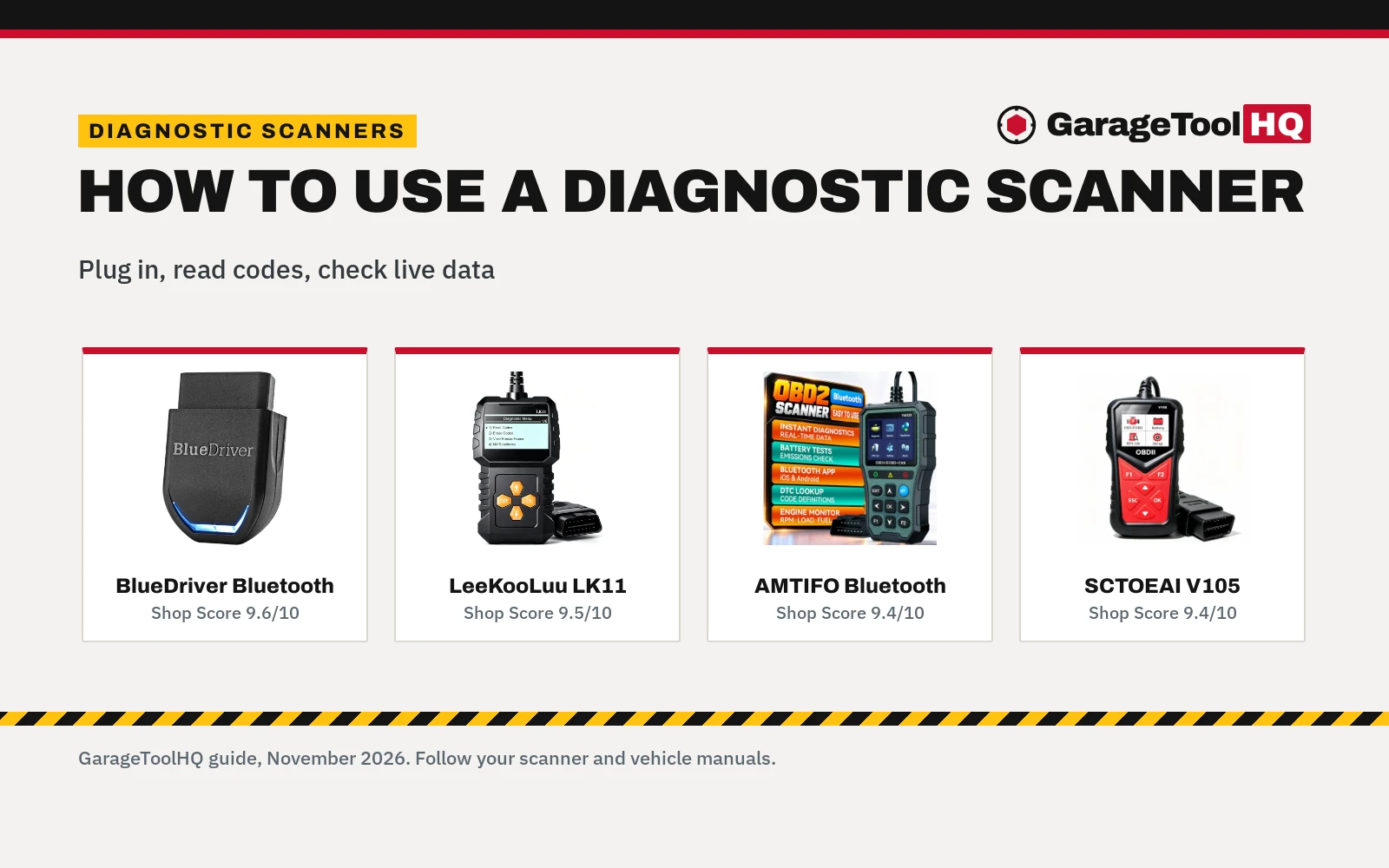
Top picks at a glance
As an Amazon Associate I earn from qualifying purchases.
- 1
 BlueDriver OBD2 Scanner Bluetooth9.6/10View on Amazon
- 2
 OBD2 Scanner Ease Setup Plug-Play9.5/10View on Amazon
- 3
 AMTIFO OBD2 Scanner Bluetooth Diagnostic Tool9.4/10View on Amazon
- 4
 V105 Enhanced OBD2 Scanner Diagnostic Tool9.4/10View on Amazon
A check engine light that stays on after a brake job or an oil change leaves a weekend mechanic guessing at the cause. How to use diagnostic scanner tools comes down to plugging the scanner into the car, reading stored codes and live data, and clearing codes after the fault is repaired.
GarageToolHQ earns a commission when you buy through links on our product pages, at no extra cost to you. Read our affiliate disclosure.
Below: the basic steps, wired screen and Bluetooth phone formats, what the readings cover, and scanners for each step.

BlueDriver OBD2 Scanner Bluetooth
An enhanced Bluetooth OBD2 scanner for iOS and Android that reads ABS, SRS, TPMS, and transmission codes with VIN-matched repair reports.
Pros
- Reads enhanced codes for Check Engine, ABS, SRS, TPMS, and transmission
- Generates unlimited technician-verified repair reports matched to the vehicle VIN
- Expanded coverage includes select light-duty trucks like F-250 and Silverado plus diesels
- No subscription fees or paid account tiers required for app features and updates
Cons
- 180-day return policy is shorter than a standard 1 year or 2 year warranty
- No bidirectional component control or maintenance reset routines included
- No safety certifications stated on the listing

OBD2 Scanner Ease Setup Plug-Play
A standalone OBD2 scanner with a 7 in screen and plug-and-play design, with a 3-year manufacturer warranty.
Pros
- 7 in screen
- Plug and play, no phone needed
- Clears and resets engine codes
- 3 year manufacturer warranty
Cons
- No Bluetooth
- No EV-specific systems named
- No battery check stated
- Standalone only
AMTIFO OBD2 Scanner Bluetooth Diagnostic Tool
A Bluetooth OBD2 scanner that works with iOS and Android phones through the YMOBD app for live data and battery checks.
Pros
- Real-time data for RPM, engine load and fuel consumption
- Battery health and emissions readiness monitoring
- Error codes with clear definitions
- 2 years warranty
Cons
- Phone and YMOBD app are required for diagnostics
- Bluetooth format, for buyers who want a wired screen
- Battery and emissions monitoring focus, for buyers who need ABS coverage
- Army Green color, for buyers who want a different color
V105 Enhanced OBD2 Scanner Diagnostic Tool
A wired OBD2 scanner with a 1.8-inch color screen for engine code reading, live data and readiness checks.
Pros
- Reads and clears engine fault codes with DTC definitions on screen
- Streams 100+ live PIDs and shows freeze frame data
- Checks I/M readiness for catalyst, O2 sensor, EVAP and EGR
- Powers from the vehicle, with no battery or app needed
Cons
- Engine and emissions only, not for ABS, SRS or transmission
- 1.8-inch screen, for buyers who want a larger display
- Wired plug-in format, for buyers who want Bluetooth phone use
- No warranty term is stated
How to use diagnostic scanner: the basic steps
- Plug into the OBDII port. The V105 plugs into the 16-pin OBDII port under the dash. Bluetooth scanners also plug into the car port and link to a phone.
- Turn the ignition on. With the V105, turn the ignition on after plugging in; it powers from the vehicle, with no battery or app needed. Bluetooth models use a phone app: AMTIFO uses the YMOBD app on iOS and Android, and BlueDriver works with iPhone and Android phones.
- Read the codes. Read stored codes and the definitions that go with them. The V105 shows DTC definitions on screen, AMTIFO gives error code definitions, and BlueDriver reads codes with repair reports matched to VIN.
- View live data and freeze frame data. The V105 streams 100+ live PIDs and shows freeze frame data. AMTIFO monitors RPM, engine load and fuel consumption, and BlueDriver monitors live data and freeze frames.
- Check readiness and battery readings. The V105 checks I/M readiness for catalyst, O2 sensor, EVAP and EGR monitors and reads battery voltage. AMTIFO monitors battery health and emissions readiness.
- Clear codes after repairs. After repairs, erase codes and turn off the MIL with the V105. BlueDriver also reads and clears codes on supported vehicles.
Wired screen or Bluetooth phone app
The V105 is a wired scanner with a 1.8-inch color screen, F1/F2 hotkeys and 10 languages, and the maker states it is compact for a glove box at 0.24 pounds. It needs no battery or app and powers from the vehicle. AMTIFO and BlueDriver are Bluetooth scanners that use a phone as the display. AMTIFO works through the YMOBD app on iOS and Android, while BlueDriver connects to iPhone and Android phones with no subscription. The LeeKooLuu LK11 is a plug-play code reader for engine error codes. Format comparisons are covered in our guide to Bluetooth vs wired OBD2 scanners, and home garage picks are compared in our guide to the best OBD2 scanner for home mechanics.
What the readings cover
Code definitions explain stored codes on the scanner screen or in the app. The V105 also shows freeze frame data and live PIDs, retrieves VIN and runs O2 sensor and EVAP checks. I/M readiness covers catalyst, O2 sensor, EVAP and EGR monitors before an emissions inspection on the V105. Coverage differs by scanner: the V105 is for engine and emissions only, not for ABS, SRS or transmission, while BlueDriver covers enhanced diagnostics for Check Engine, ABS, SRS, Airbag, TPMS and Transmission on supported vehicles, plus Mode 6 results and smog readiness. Battery readings also differ, with battery voltage on the V105 and battery health monitoring on the AMTIFO. Live data picks are compared in our guide to the best OBD2 scanner for live data.
Diagnostic scanners for these steps
The plug-in step needs a scanner for the OBDII port, and the reading steps use the code, live data and readiness functions described above in a wired or Bluetooth format.
Read the manual before first use, wear eye protection, keep the work area clear and ventilated, and stay within every stated rating. Read our Safety Disclaimer.
FAQ: garage tools
Where do I plug in a diagnostic scanner?
Plug it into the 16-pin OBDII port under the dash, as stated for the V105. Bluetooth scanners also plug into the car port and link to a phone.
Does a diagnostic scanner need a battery or an app?
The V105 needs no battery or app and powers from the vehicle. AMTIFO uses the YMOBD app on iOS and Android, and BlueDriver works with iPhone and Android phones.
Can a diagnostic scanner clear the check engine light?
Yes, after repairs. The V105 reads and clears engine fault codes and erases codes to turn off the MIL after repairs, and BlueDriver reads and clears codes on supported vehicles.
Will a diagnostic scanner work on my car?
The V105 works with 1996+ vehicles on CAN, ISO9141, KWP2000, J1850 PWM and VPW, for engine and emissions only. BlueDriver works with gas-powered vehicles made in 1996 or newer, plus select light-duty trucks and diesels.
What does I/M readiness cover?
On the V105, I/M readiness covers catalyst, O2 sensor, EVAP and EGR monitors before an emissions inspection, with monitor statuses shown on screen.
Related: diagnostics and electrical guides, the best OBD2 scanner for home mechanics, Bluetooth vs wired OBD2 scanners and the best OBD2 scanner for smog checks.