WiFi vs Bluetooth OBD2 Scanner: Which One Should You Buy?
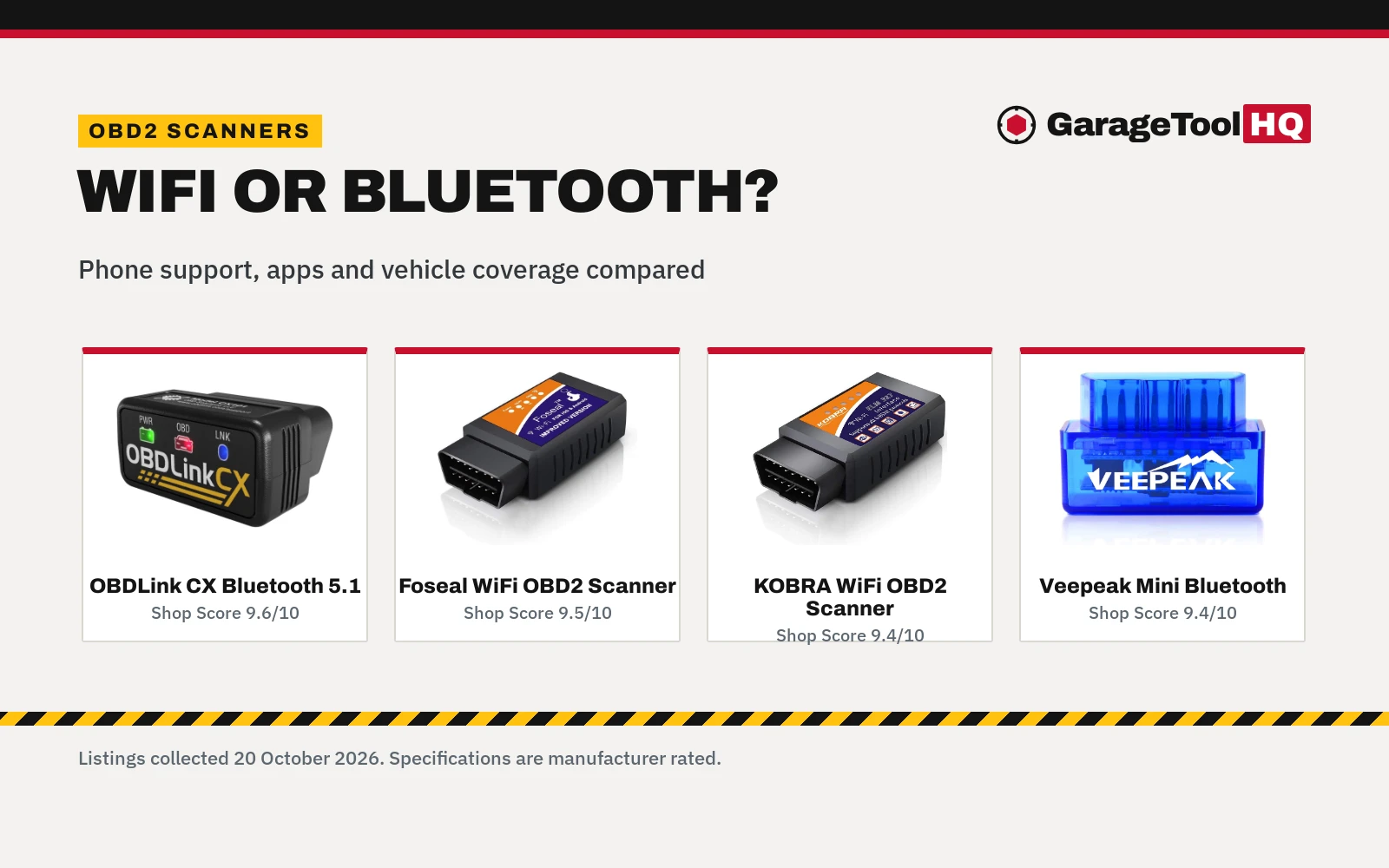
WiFi vs Bluetooth OBD2 scanner compared: phone support, apps, vehicle coverage and warranties across four listed adapters.

On this page
Top picks at a glance
As an Amazon Associate we earn from qualifying purchases.
- 1
 THINKCAR AI+Bidirectional Scan Tool THINKSCAN 689BT Lifetime9.5/10View on Amazon
 - 2
 KINGBOLEN Ediag Elite OBD2 Scanner Bluetooth9.7/10View on Amazon
 - 3
 thinkcar AI-Assisted Bidirectional OBD2 Scanner Diagnostic9.4/10View on Amazon
 - 4
 Bluetooth OBD2 Scanner for iOS & AndroidView on Amazon
 - 5
 OBDLink MX+ OBD2 Bluetooth Scanner for iPhoneView on Amazon
 - 6
 NEXAS NexLINK Bluetooth OBD2 Scanner with Live Data for AllView on Amazon
 - 7
 BLCKTEC 430 Bluetooth OBD2 Scanner for iPhone & AndroidView on Amazon
 - 8
 BLCKTEC 410 Bluetooth OBD2 Scanner for iPhone & AndroidView on Amazon
 - 9
 Innova 1000 Bluetooth OBD2 Scanner for iPhone & AndroidView on Amazon
Verdict: Pick a WiFi adapter if you use an iPhone: both WiFi examples here support iOS and Android. Pick a Bluetooth adapter if you use Android and want a small, simple reader (the Veepeak), or if you own a BMW or Mini and want coding plus diagnostics (the OBDLink CX).
Wifi vs bluetooth obd2 scanner is a phone-compatibility question first and a features question second. Both types plug into the OBD2 port and talk to an app on your phone; the difference is which phones they talk to and what the apps can do. This comparison puts four listed adapters side by side, two per side.
GarageToolHQ earns a commission when you buy through links on our product pages, at no extra cost to you. Read our affiliate disclosure.


OBDLink CX Bimmercode Bluetooth 5.1 OBD2 Adapter
A Bluetooth 5.1 LE adapter for BMW and Mini with iOS and Android support, car coding via BimmerCode and a 3-year warranty.
Pros
- Bluetooth 5.1 LE with stated low energy use
- Works with iPhone/iOS and Android
- Advanced sleep mode and overvoltage protection stated
- 3-year warranty, the longest here
Cons
- Built for BMW and Mini; other makes depend on the app
- Vehicle-specific diagnostics in the OBDLink app are an in-app purchase
- BimmerCode app sold separately
- Check the troubleshooting guide and BimmerCode app to confirm your vehicle's compatibility and features

Foseal OBD2 Scanner, WiFi Car Code Reader Check
A WiFi adapter for iOS and Android covering 1996 and newer vehicles, with real-time data and a 365-day warranty.
Pros
- Works with iOS and Android
- Covers 1996 and newer vehicles with five stated protocols
- Reads and clears codes plus live sensor data
- 365-day warranty stated
Cons
- Cannot read ABS, SRS or TPMS per the listing
- Excludes 24V vehicles, trucks, hybrids and EVs
- Foseal recommends specific third-party apps rather than bundling its own
- Third-party apps may charge for full features

OBD2 Scanner & WiFi Car Code Reader
A WiFi adapter for iOS, Android and Windows covering 1996-2016 vehicles, with 3000-plus code definitions.
Pros
- Works with iOS, Android and Windows devices
- Over 3000 code definitions in the database per the listing
- Reads generic and manufacturer-specific codes
- 1-year money-back promise in the bullets
Cons
- Covers 1996-2016 only, so no newer vehicles
- Spec table says 'no' warranty, contradicting the bullets
- ELM327-based with no stated protocol list
- Title says iOS and Android only, while the bullets also claim Windows support

Veepeak Mini Bluetooth OBD2 Scanner Code Reader
A compact Classic Bluetooth adapter for Android only, with generic engine diagnostics and a one-year warranty.
Pros
- Compact at 1.89 by 0.98 by 1.26 in and 1.12 oz
- Reads and clears codes plus live data and freeze frame
- One-year hassle-free replacement warranty stated
- Works with Torque and Car Scanner apps
Cons
- Android only; not compatible with iPhone or iPad
- No ABS, SRS, TPMS, transmission or manufacturer functions
- Classic Bluetooth only, no Bluetooth LE
- EV and hybrid support is app-dependent
More options to compare
 Bluetooth OBD2 Scanner for iOS & AndroidCheck price on Amazon
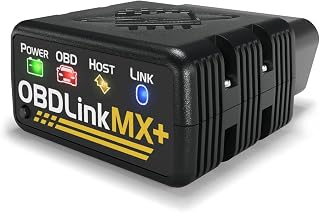 OBDLink MX+ OBD2 Bluetooth Scanner for iPhoneCheck price on Amazon
 NEXAS NexLINK Bluetooth OBD2 Scanner with Live Data for AllCheck price on Amazon
 BLCKTEC 430 Bluetooth OBD2 Scanner for iPhone & AndroidCheck price on Amazon
 BLCKTEC 410 Bluetooth OBD2 Scanner for iPhone & AndroidCheck price on Amazon
 Innova 1000 Bluetooth OBD2 Scanner for iPhone & AndroidCheck price on Amazon
Side by side
| WiFi side | Bluetooth side | |
|---|---|---|
| How it connects | Phone joins the adapter’s WiFi network (both examples) | Classic Bluetooth (Veepeak) or Bluetooth 5.1 LE (OBDLink) |
| Phone support | iOS and Android on both examples; KOBRA adds Windows | Veepeak: Android only; OBDLink: iOS and Android |
| Apps named | OBD Fusion, DashCommand, Torque, OBD Car Doctor and more | Torque, Car Scanner, BimmerCode, OBDLink app |
| App costs | OBD Fusion for iOS; some apps charge for full features | OBDLink vehicle diagnostics are in-app purchase; BimmerCode sold separately |
| Vehicle coverage | 1996-2016 (KOBRA); 1996+ except 24V (Foseal) | 1996+ US cars and light trucks (Veepeak); BMW and Mini (OBDLink) |
| Advanced codes | Foseal states no ABS, SRS or TPMS | Veepeak states no ABS, SRS, TPMS or transmission; OBDLink covers BimmerCode features |
| Warranty | 365 days (Foseal); 1-year money-back promise, spec table says ‘no’ (KOBRA) | One year (Veepeak); 3 years (OBDLink) |
| Pick it when | You want iOS support on a budget adapter | You want a small, simple Android reader, or BMW coding |
20 October 2026
Wifi vs bluetooth obd2 scanner: what separates them
The split is the wireless link and who it serves. The wifi examples, KOBRA and Foseal, both support iOS and Android, and the KOBRA adds Windows. The bluetooth side splits: the Veepeak is Android only and states it is not compatible with iPhone or iPad, while the OBDLink CX supports iOS and Android over Bluetooth 5.1 LE. If your phone is an iPhone, the bluetooth side of this comparison has exactly one option.
Apps and what you pay for
Every adapter here needs a third-party app. The wifi side names the most apps: the KOBRA lists OBD Fusion, DashCommand, Torque, OBD Link, ScanMaster Lite and OBD Car Doctor, while the Foseal recommends OBD Fusion and inCarDoc for iOS and Torque, DashCommand, Auto Doctor and OBD Car Doctor for Android, warning that third-party apps may charge for full functionality. On the bluetooth side the Veepeak works with Torque and Car Scanner, and the OBDLink CX includes the OBDLink app while vehicle-specific diagnostics are an in-app purchase and the BimmerCode app is sold separately. Budget for the app, not just the adapter.
Vehicle coverage and limits
Coverage is where the listings differ most. The Foseal covers 1996 and newer vehicles except 24V systems, trucks, hybrids and EVs. The KOBRA covers 1996 to 2016 only, so newer cars are out. The Veepeak covers most 1996-plus US cars and light trucks but excludes heavy trucks and motorcycles, with EV and hybrid support left to the app. The OBDLink CX is built for BMW and Mini, with 100 percent of the vehicles, protocols and features BimmerCode supports. On advanced codes, both sides are modest: the Foseal states it cannot read ABS, SRS or TPMS, and the Veepeak states no ABS, SRS, TPMS, transmission or manufacturer-specific functions.
Warranties, stated plainly
The OBDLink CX states a 3-year warranty, the longest here. The Veepeak states a one-year hassle-free replacement warranty and the Foseal states a 365-day warranty. The KOBRA is the odd one: its bullets offer a 1-year money-back promise while its spec table says no warranty, so we trust the bullets and flag the mismatch.
Example tools
Use rated jack stands on solid ground, wear eye protection with power and air tools, keep fuel-burning equipment out of a closed garage, and follow the manual for every tool. Read our Safety Disclaimer.
Frequently Asked Questions
Which is better, a WiFi or Bluetooth OBD2 scanner?
It depends on your phone. Both WiFi examples here support iOS and Android, so WiFi is the safer pick for iPhone owners. On the bluetooth side, the Veepeak is Android only while the OBDLink CX supports both, so check the phone line before buying.
Do I need to pay for an app?
Often, yes. The Foseal recommends OBD Fusion for iOS, the OBDLink app charges an in-app purchase for vehicle-specific diagnostics, and the BimmerCode app is sold separately. The adapters only supply the data; the app decides what you can do with it.
Will these read ABS or airbag codes?
The generic examples here will not. The Foseal states it cannot read ABS, SRS or TPMS, and the Veepeak states the same plus no transmission codes. The OBDLink CX covers what BimmerCode supports on BMW and Mini.
What vehicles do they work with?
All four target 1996 and newer OBD2 vehicles with limits: the KOBRA stops at 2016, the Foseal excludes 24V systems and heavy vehicles, the Veepeak excludes heavy trucks and motorcycles, and the OBDLink CX is built for BMW and Mini.
Can I leave the adapter plugged in?
The OBDLink CX states an advanced sleep mode and overvoltage protection that let it stay plugged in. The other three listings state no such feature, so check each manual before leaving an adapter plugged in.
Related: the best bluetooth OBD2 scanner, what OBD2 codes mean, how to choose an OBD2 scanner and our diagnostics and electrical hub.