Dash Cam Parking Mode vs Without: Which One Should You Buy?
Parking mode keeps a dash cam watching after the ignition is off, while a camera without it usually rests until the next drive; here is how the 4 picks in this guide handle parked recording.

On this page
A car parked on the street overnight is on its own, and that is the exact moment dash cam parking mode vs without starts to matter. A camera with parking mode keeps watching after the ignition is off, waking on impact or recording a slow time-lapse. A camera without parking mode usually rests when the car rests, so a bump in a car park leaves no footage. The choice comes down to power: parked recording needs a hardwire kit or an OBD cable with a low-voltage cutoff, plus a memory card with room to spare.
As an Amazon Associate I earn from qualifying purchases. GarageToolHQ earns a commission when you buy through links on our product pages, at no extra cost to you. Read our affiliate disclosure.
Below: how parking mode works, what it needs from the car battery, and how the 4 picks compare.
Dash cam parking mode vs without: what changes when the car is parked
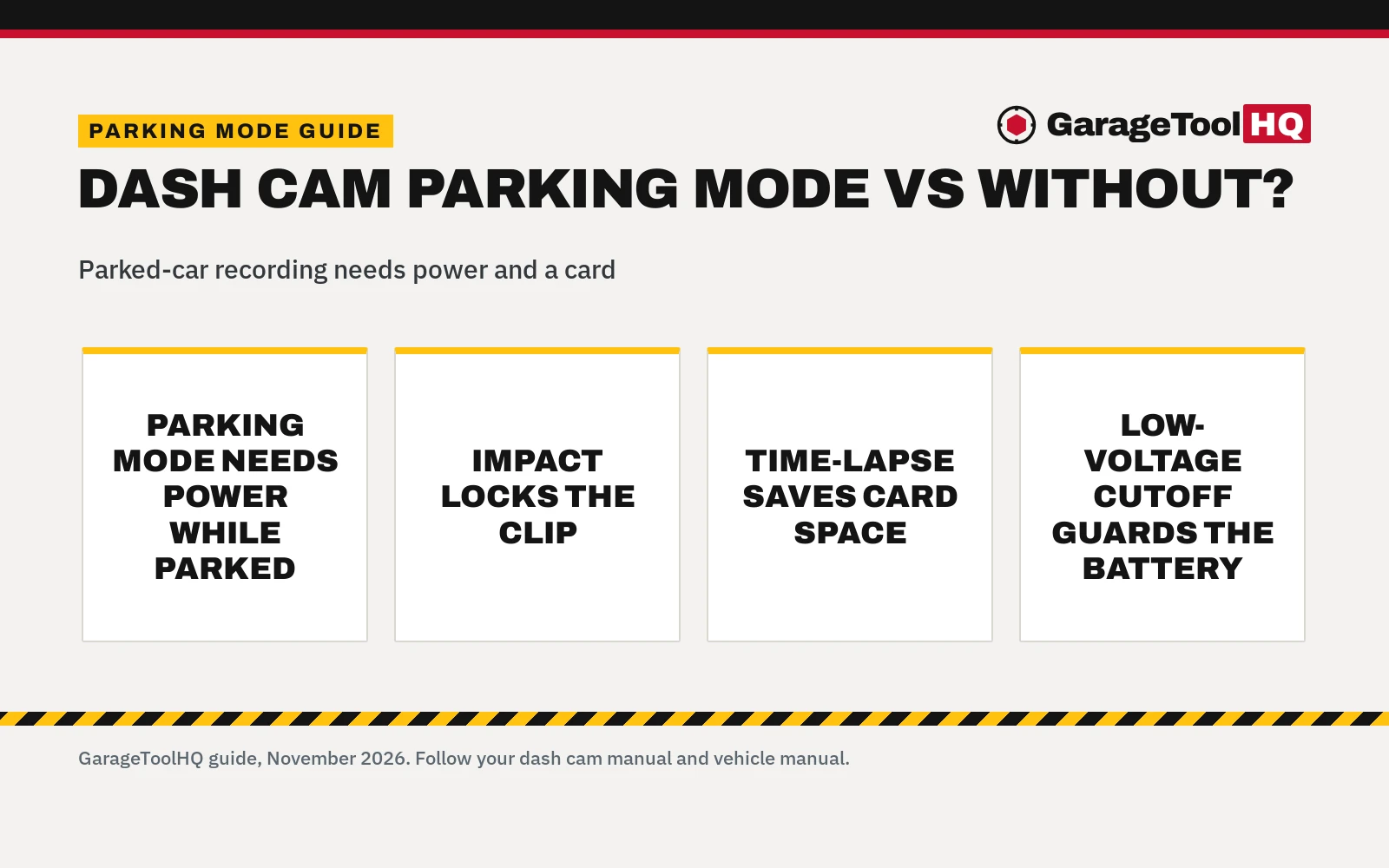
With parking mode, the camera stays alert while the car is parked. In standby, the G-sensor wakes the camera on impact or vibration; in time-lapse, the camera is already recording and the event clip gets locked. The Nipotop camera records a 1 fps time-lapse while parked, and on an unusual event it records a full 1-minute clip and locks it in the event folder. The BOTSLAB camera runs a Time-Lapse mode that compresses hours of parked coverage into minutes, with its G-sensor locking footage on bumps and knocks. The Kyltoor camera sits in standby mode while parked, then records when it senses impacts or vibrations.
Without parking mode, the camera usually powers down with the ignition. That is fine for a car that sleeps in a locked garage. It is a gap for a car that spends its nights on the street, in a lot or in a residential area, where a bump can happen with nobody around to see it. Parked recording also fills the card faster, which is why time-lapse matters: 1 fps video stretches the card much further than full-motion recording, and loop recording overwrites the oldest clips while locked event clips stay put.
The 4 picks in this guide, ranked for parked-car recording
| Pick | Parking mode | Power kit | Card in the box | Warranty |
|---|---|---|---|---|
| BOTSLAB G300H Plus | Time-lapse, impact lock | Hardwire kit in the box | 64GB card in the box | 1-year standard, 18 months in app |
| Nipotop D021 | 1 fps time-lapse, 1-minute locked clip | Kit B0HJPZF74B, bought apart | 64GB card, approximately 40GB free for video | 18-month warranty |
| Kyltoor A4 | Standby, records on impact | Optional kit, sold apart | 32GB card in the box | No term stated |
| BNnYY OBD cable | Enables time-lapse, shock wake-up | OBD-II plug, no fuse tapping | Not stated | 1 Year Manufacturer |
BOTSLAB G300H Plus. This is the complete parking-mode package in the guide: the hardwire kit comes in the box, so wire it in and the camera becomes a 24/7 sentry. It records 4K at the front and 1080P at the rear through a 170° front lens and a 150° rear lens, on a STARVIS 2 sensor with F1.5 at the front and F2.0 at the rear. Voice control answers to "take photo" and "Video Start", 5.8GHz Wi-Fi moves clips to the phone through the app, GPS logs speed, route and location, and a 2-inch display gives live view. A 64GB card comes in the box. A contradiction to note: a bullet promises 18-month product coverage, while another bullet says every camera includes a 1-year warranty as standard and reaches 18 months only after activation in the app.
Nipotop D021. This camera records 4K at the front and 1440P at the rear, the sharpest rear view in the guide, through a 170° front lens and a 150° rear lens, with an f/1.5 aperture, WDR and a 3-inch IPS screen. It carries 5.8 GHz Wi-Fi at up to 20 MB/s, built-in GPS and a free 64GB card, and supports microSD cards up to 1TB. The listing contradicts itself here. First, the title promises 24-hour parking mode, yet the parking-mode bullet says the mode needs the Hardwire Installation Kit, ASIN B0HJPZF74B, which is not in the box. Also, the card is free and 64GB, yet the listing states only approximately 40GB is available for actual video recording. Buy the kit and the parked cover is real; without it, this camera rests when the car rests.
Kyltoor A4. This camera records 4K at the front and 1080P at the rear through a 170° front lens and a 150° rear lens, with HDR, WDR, an F1.8 aperture and a 3.16-inch IPS screen. Its 5G Wi-Fi moves clips at up to 25MB/s through the Viidure app, the G-sensor locks emergency clips, and a 32GB card comes in the box. Parking mode is standby mode with recording on impact or vibration, and the hardwire kit is optional and sold apart. The warranty is the weak spot: the spec table lists the warranty description as "Yes" with no term at all.
BNnYY OBD cable. This is not a camera at all: it ranks last as a pick and first as the piece that makes parking mode work. It plugs into the OBD-II port and feeds a USB-C dash cam at 5V/3A, with ACC detection and a 20-minute delay-off that keeps recording through short stops. Its 4-level low-voltage protection guards the car battery, and the built-in LED voltmeter shows battery voltage. The listing says "4-level" yet names 3 cutoff voltages, 11.6V, 11.9V and 12.5V, plus a 20-minute timer, so read it as 3 voltage cutoffs and a timer. The 13.35ft cable suits 12V-24V vehicles and lists over-current, short-circuit, over-heat, reverse polarity and low-voltage protection with a built-in fuse. Install takes under 3 minutes with no fuse tapping and no wire splicing.
What parking mode needs from the car battery
Parked recording wired to the car draws from the car battery, so the cutoff matters as much as the camera. The BNnYY cable cuts power when voltage falls, with cutoffs at 11.6V, 11.9V or 12.5V and a 20-minute timer. That cutoff is what keeps a parked camera from leaving the car unable to start. A fuse-box hardwire kit wires in; the BNnYY cable plugs into the OBD-II port with no fuse tapping. See our guide to OBD vs hardwire dash cam power. A dash cam external battery pack is another way to feed parked recording without drawing from the car battery at all. For a fuse-box install, follow the kit manual and the vehicle manual.
Use rated jack stands on solid ground, wear eye protection with power and air tools, keep fuel-burning equipment out of a closed garage, and follow the manual for every tool. Read our Safety Disclaimer.
Parking mode or no parking mode: which one should you buy?
Buy parking mode when the car parks where trouble can find it: on the street, in a lot or in a residential area. The Kyltoor listing names exactly those places. Pick the BOTSLAB camera for the whole setup in the box, the Nipotop camera for the sharper 1440P rear view with the hardwire kit added, and the Kyltoor camera for the 32GB card and the 3.16-inch screen. Add the BNnYY OBD cable when the camera you own already has parking mode but no safe way to power it while parked. Skip parking mode when the car sleeps in a locked garage: a camera without it still records the drive in 4K at the front, but it cannot watch the car while you are away from it.
FAQ: garage tools
Does parking mode drain the car battery?
Wired to the car, it draws power while the car is parked, so a low-voltage cutoff matters. The BNnYY cable cuts power at the cutoff you pick, 11.6V, 11.9V or 12.5V, and its 20-minute timer covers short stops.
Do I need a hardwire kit for parking mode?
Yes, unless the kit comes in the box: the BOTSLAB camera includes its hardwire kit. The Nipotop camera needs the Hardwire Installation Kit, ASIN B0HJPZF74B, and the Kyltoor camera needs its optional hardwire kit, sold apart. The BNnYY OBD cable is the other route: it plugs into the OBD-II port.
Does parking mode record all the time while parked?
It depends on the mode. The Nipotop camera records a 1 fps time-lapse while parked and switches to a full 1-minute clip on an unusual event. The BOTSLAB camera compresses hours of parked coverage into minutes in Time-Lapse mode. The Kyltoor camera sits in standby and records on impact or vibration.
What memory card does parking mode need?
More room than driving alone needs. The Nipotop and BOTSLAB cameras include a 64GB card, the Kyltoor camera includes a 32GB card, and the Nipotop camera supports microSD cards up to 1TB. Only approximately 40GB of the Nipotop 64GB card is available for video recording.
How does the camera know the car is parked?
Through the hardwire kit and the G-sensor. The BNnYY cable uses ACC detection to switch between parking surveillance and auto power-off. The G-sensor detects bumps and knocks while parked and locks the footage.
Is parking mode worth it for a garage-kept car?
Often not. A car that sleeps in a locked garage faces little risk of a bump or a scrape overnight. Parking mode earns its keep on the street, in a lot or in a residential area, where the parked hours carry the risk.
Related: front and rear 4K dash cams, supercapacitor vs battery dash cams, GPS vs non-GPS dash cams and our dash cams hub.