Should I Get a Dash Cam for Your Truck? What It Records
A dash cam records the road ahead and behind your truck, locks the clip when something hits, and keeps watch while parked with a hardwire kit.

On this page
Should I get a dash cam for your truck? Yes, if you want a record of the road when something goes wrong, and no if you never want to look at the footage. A dash cam records while you drive, locks the clip when it senses a sudden impact, and, with a hardwire kit, keeps watch while the truck sits parked. The driver only checks the card when something needs a closer look.
As an Amazon Associate I earn from qualifying purchases. GarageToolHQ earns a commission when you buy through links on our product pages, at no extra cost to you. Read our affiliate disclosure.
Below: what a dash cam records, how to pick one for a truck, and what to check before the first drive.
Should I get a dash cam for your truck? What it records and what it does not
A dash cam is a small camera that mounts on the windshield and records the road as you drive. A front camera looks ahead, and a rear camera looks back through the rear window. A four-channel model adds two more lenses. On the IIWEY they cover the sides and the cabin, while on the CURRENBA they cover the left and right sides.
Resolution decides how much detail the clip holds. The reference listings show front cameras that record in 4K, apart from one that records in 2K, with rear cameras at 1080P, 2.5K or 4K. Front lenses run from 160° to 170°, rear lenses from 140° to 170°, and the side lenses on the IIWEY sit at 150°.
Night vision matters because a lot of driving happens after dark. The listings describe WDR and HDR handling for low light, starlight-level sensors, infrared lamps on a four-channel model, and a large f/1.5 aperture on two listings. What a dash cam does not do is just as plain: it does not stop a crash, it does not call for help, and it does not watch the truck while parked unless parking mode is set up with power.
How to pick a dash cam
Pick by channel count, resolution, storage and power. Channel count decides what the camera sees, resolution decides the detail in each view, storage decides how much driving the card keeps, and power decides whether the camera runs only while driving or also while parked.
| What to check | What the listings show | Why it matters |
|---|---|---|
| Channels | Front and rear, or four channels that add the sides and cabin | Covers hits from behind and inside the truck |
| Resolution | Front at 4K apart from one at 2K; rear at 1080P, 2.5K or 4K | Holds plates and signs better at a distance |
| Screen | 3-inch and 3.59-inch IPS screens; one adds a touch screen and voice control | Makes aiming and checking a clip quick |
| Storage | 128GB card included with several models; one supports up to 256GB, two include a 64GB card | Keeps more driving before loop recording overwrites |
| Parking mode | 24-hour parking mode on several models; hardwire kit sold separately | Needs steady power while the truck sits |
Start with the channel count. A front and rear model covers the road ahead and the road behind, which is the pair most truck owners need. A four-channel model adds the sides and the cabin, which fits a truck that carries passengers.
Then check the screen and the controls. A 3-inch IPS screen shows the view while aiming the camera, and a 3.59-inch screen shows the same view larger. A touch screen lets the driver lock a clip with one tap, voice control keeps commands hands-free, and an app on a phone shows the live view and downloads clips at 20MB/s on two listings and 10MB/s on another. On the listings that include built-in GPS, it adds location, speed and route to the recording, and 5GHz Wi-Fi moves clips to a phone faster than 2.4GHz.
Power, parking mode and the hardwire kit
A dash cam needs power every time it records. The usual feed is the cigarette lighter socket, and one listing warns that its camera must run from the original charger and cannot run from a USB cable or a Type-C cable. Check the power lead in the box before mounting the camera.
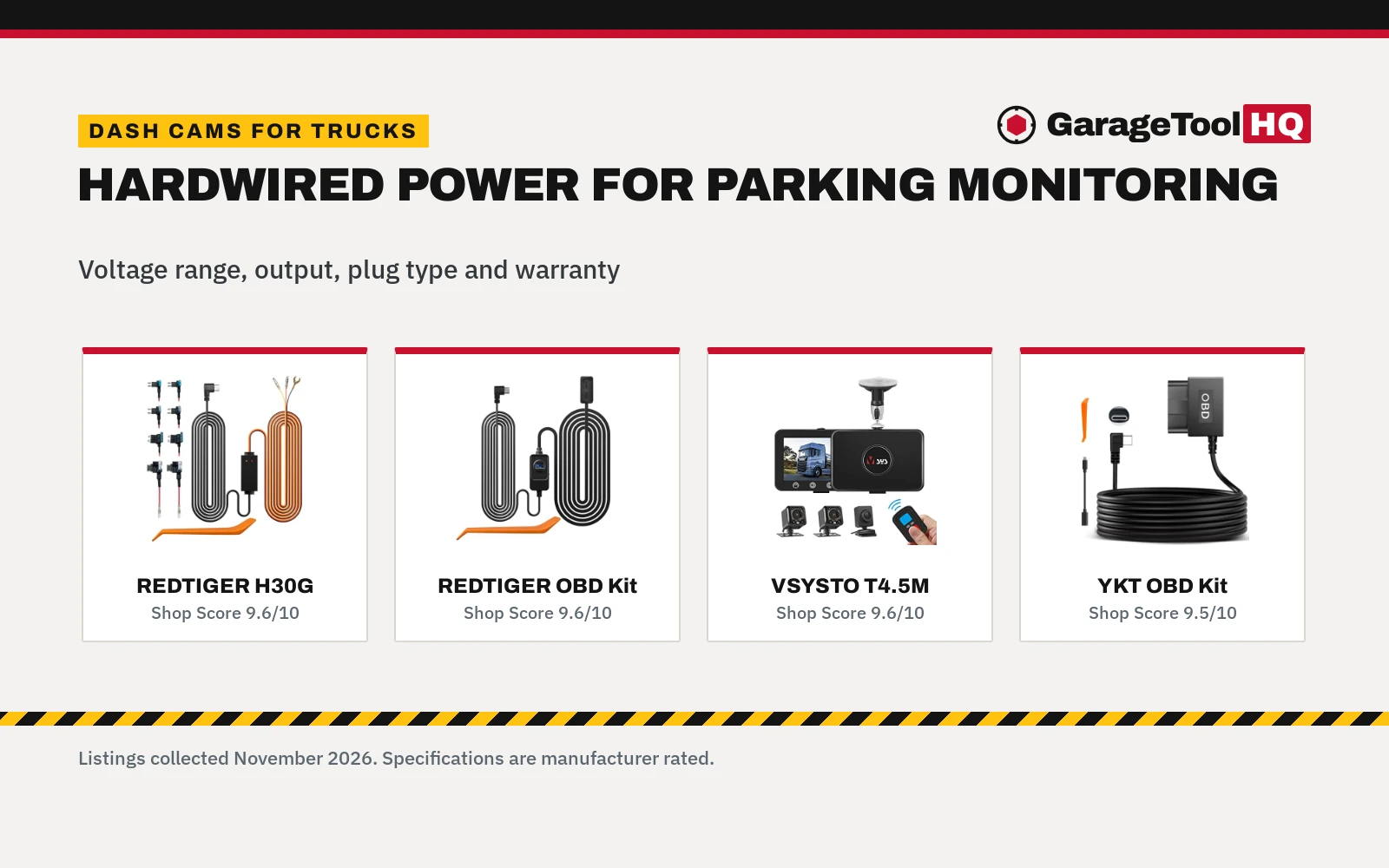
Parking mode is the feature most buyers ask about, and it is the one that needs extra parts. The listings describe it as 24-hour monitoring that records on impact or in time-lapse, with one listing recording time-lapse at 1fps. REDTIGER, IIWEY and Aputeta state that a hardwire kit is required and sold separately, so check the listing before counting on parking mode. For the kit, see the hardwire dash cam for a truck guide.
Heat is the other power question. One listing uses a supercapacitor instead of a battery and states that it withstands -4°F to 167°F without overheating. Loop recording overwrites the oldest footage when the card fills, and the G-sensor locks the clip when it senses a sudden impact. On one listing, impact detection in parking mode locks a 10-second video, and on another, a collision while parked records a full 1-minute clip.
Use rated jack stands on solid ground, wear eye protection with power and air tools, keep fuel-burning equipment out of a closed garage, and follow the manual for every tool. Read our Safety Disclaimer.
Front and rear or four channels?
A front and rear dash cam records the road ahead and the road behind at the same time. In the listings, the front camera records in 4K on most models, with the rear camera at 1080P, 2.5K or 4K. On the IIWEY listing, the rear camera must be wired to the front camera for use.
A four-channel model records four views at the same time. The IIWEY covers the front, the rear, the sides and the cabin, while the CURRENBA covers the front, the rear, and the left and right sides. One listing records 2K at the front and 1080P at the rear and inside, with 170° lenses at the front and rear and 150° lenses at the sides. Another records 4K at the front and 1080P on three more lenses, with 8 IR lamps for night vision.
For a work truck that never carries passengers, front and rear is enough. For a truck that carries a crew, a family, or rideshare passengers, the cabin view settles what happened inside. Match the channel count to who rides in the truck.
What to check before the first drive
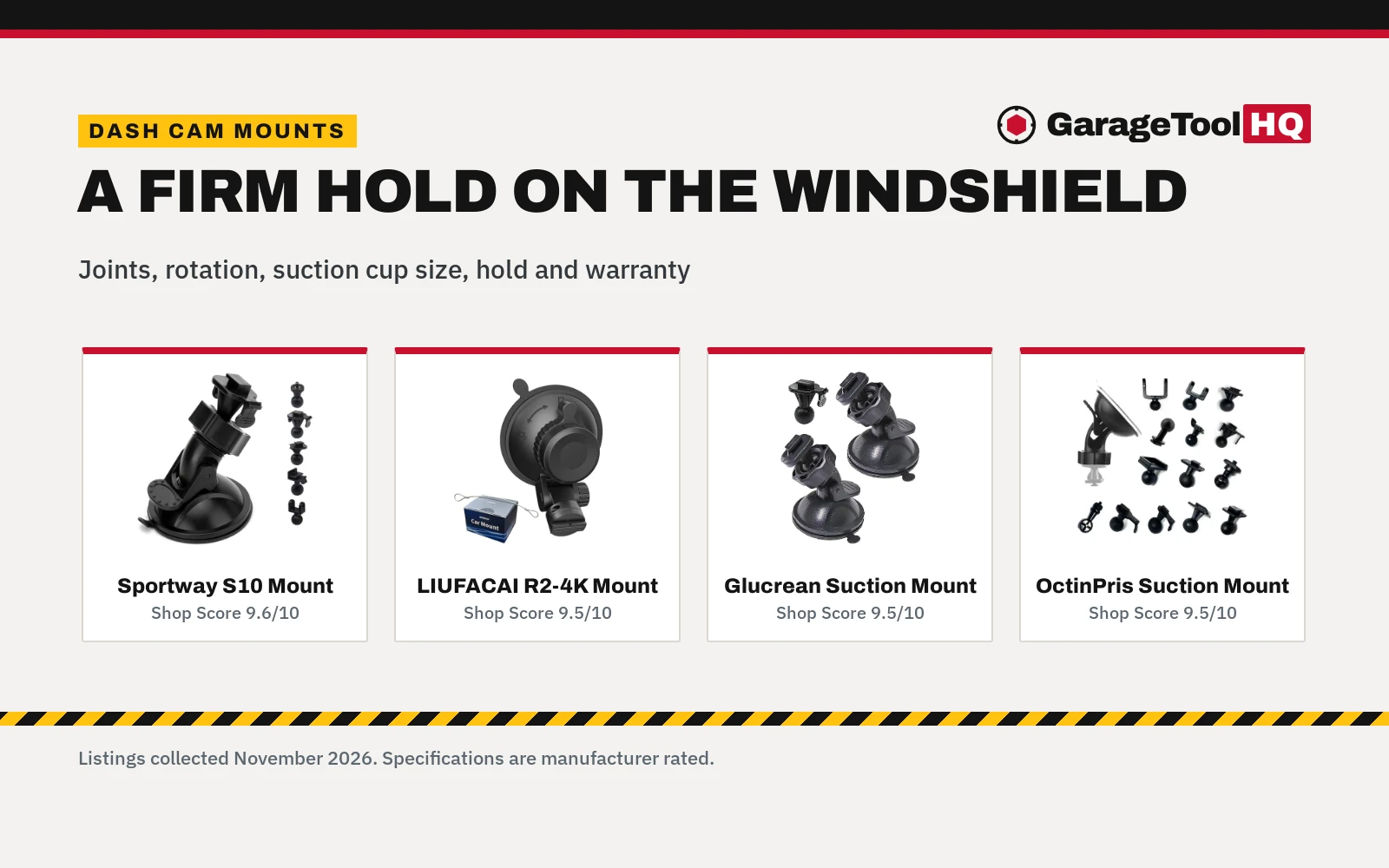
- Mount it where it sees the road. Mount the camera on the windshield; the REDTIGER listing mounts with a suction cup and adds a pry tool to hide the wiring. For the mount, see the dash cam suction cup mount guide.
- Aim both cameras. Check the live view on the screen or the app before driving off.
- Fit the card the listing includes. Several listings include a 128GB card, and one supports up to 256GB. Format the card in the camera first.
- Set the loop and the G-sensor. Loop recording overwrites the oldest clip when the card fills, and the G-sensor locks the clip on impact.
- Decide on parking mode before mounting. If the truck needs watching while parked, fit the hardwire kit the listing calls for.
- Check the warranty in the listing: The listings state terms of 12 months, 18 months and 24 months.
FAQ: garage tools
Should I get a front and rear dash cam or a front-only dash cam?
Get front and rear when the truck needs a record behind it as well as ahead of it. The listings show rear cameras at 1080P, 2.5K and 4K. A front-only camera fits a truck that only needs the road ahead on record, but it leaves the rear unseen.
Do I need a hardwire kit for parking mode?
For three of the listings, yes. REDTIGER, IIWEY and Aputeta state that parking mode needs a hardwire kit, and that the kit is sold separately. Without the kit, the camera records only while the truck runs.
How much footage does the card hold?
That depends on the card and the resolution, and the listings do not state hours of footage. Several listings include a 128GB card, one supports up to 256GB, and two include a 64GB card.
Can a dash cam record while the truck is parked?
Yes, with parking mode and steady power. Parking mode records on impact or in time-lapse: one listing records time-lapse at 1fps, one locks a 10-second video on a collision while parked, and another records a full 1-minute clip. On the listings that state it, the hardwire kit is needed for this.
Does a dash cam need Wi-Fi or GPS?
No. Wi-Fi and GPS add convenience, not recording. Wi-Fi moves clips to a phone at 20MB/s on two listings and 10MB/s on another, and GPS adds location, speed and route. A camera without either still records the road, and the driver pulls the card to view the clips.
Will a dash cam work in a hot truck?
Heat is the weak point of a camera left on a windshield. One listing uses a supercapacitor instead of a battery and states that it withstands -4°F to 167°F. Park in shade where possible, and let the camera cool before pulling the card.
Related: hardwire dash cam for a truck, the dash cam suction cup mount, the dash cam extension cable guide and the 3-channel dash cam with an interior camera.